Features
A calm, capable player for the service you already have.
Everything on this page marked as available works in Nitora IPTV 1.2.0, the version in the LG Content Store today.
Connect your service
Nitora IPTV signs in to the IPTV service you already use. You type your details on the TV, once.
-
Xtream Codes sign-in
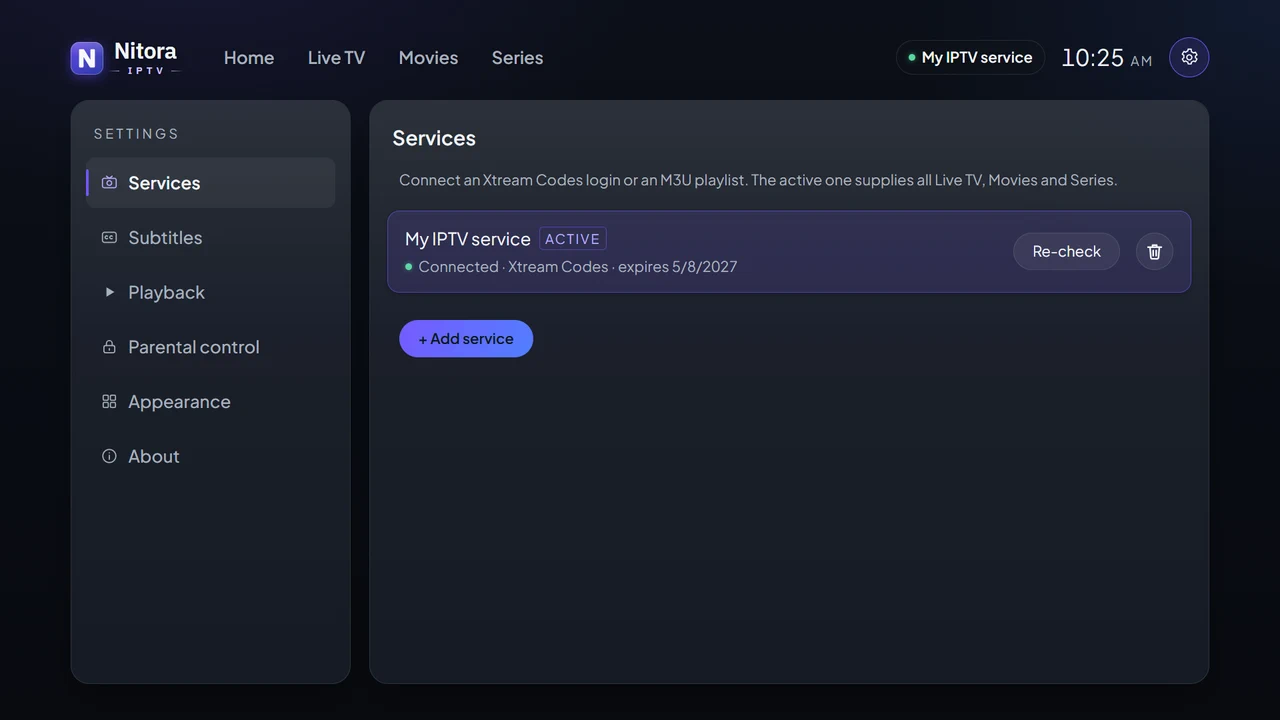
Enter the server address, username and password from your provider. Nitora IPTV checks them with your provider before saving.
- Server URL, username and password
- “Test & Save” confirms the connection
- Settings shows the connection status and, when your provider sends it, the expiry date
-
More than one service
Add several services and switch between them without typing your details again.
-
M3U playlists
Add a playlist by its web address. Its entries appear as Live TV channels, grouped by their categories.
- Added by URL (no file import)
- Live TV only: no movies or series from M3U
- No program guide for M3U yet
Browse what your service includes
Live TV, Movies and Series from your provider, in one calm, cinematic interface.
-
Cinematic Home screen
A featured carousel built from your provider’s own artwork, with Live TV, Movies and Series one step away.
-
Live TV
Channel categories, channel numbers and logos, and a muted preview of the channel you’re on before you open it.
- Categories from your provider
- Muted preview while you browse
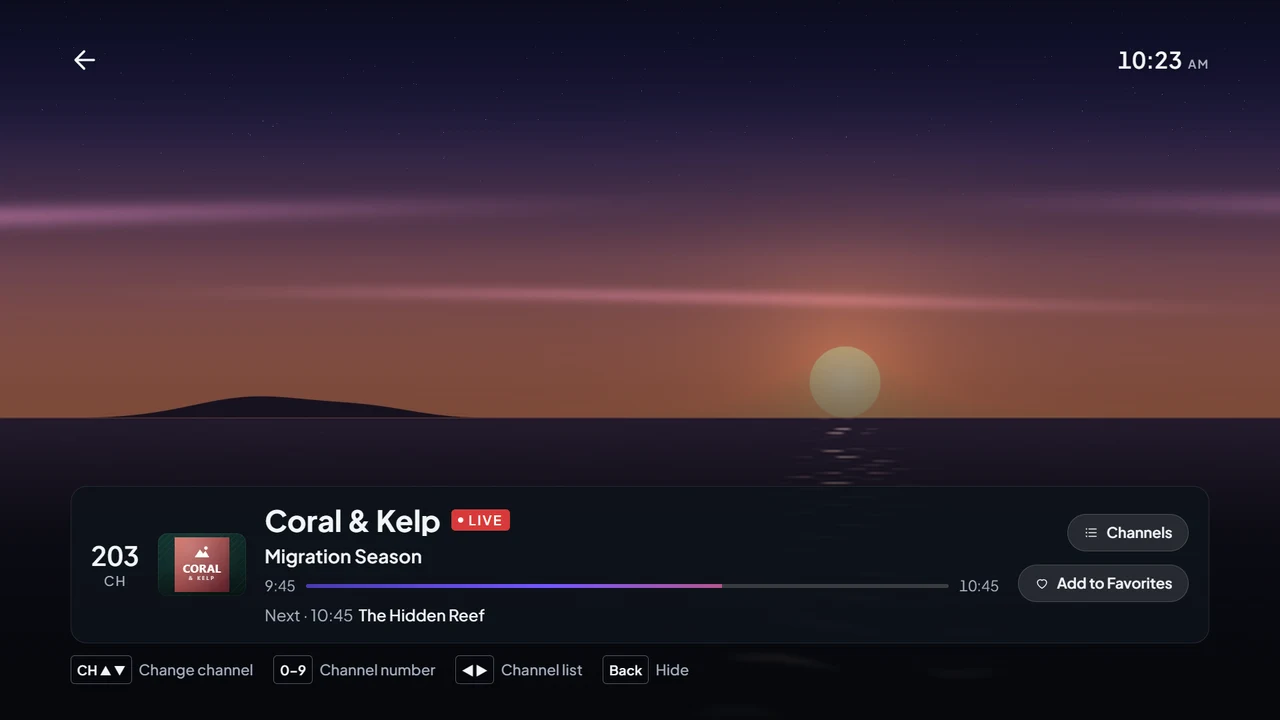
- Current program title in the player, when your provider sends it
-
Movies
Your provider’s films by category, with poster, year, genre and rating.
-
Series
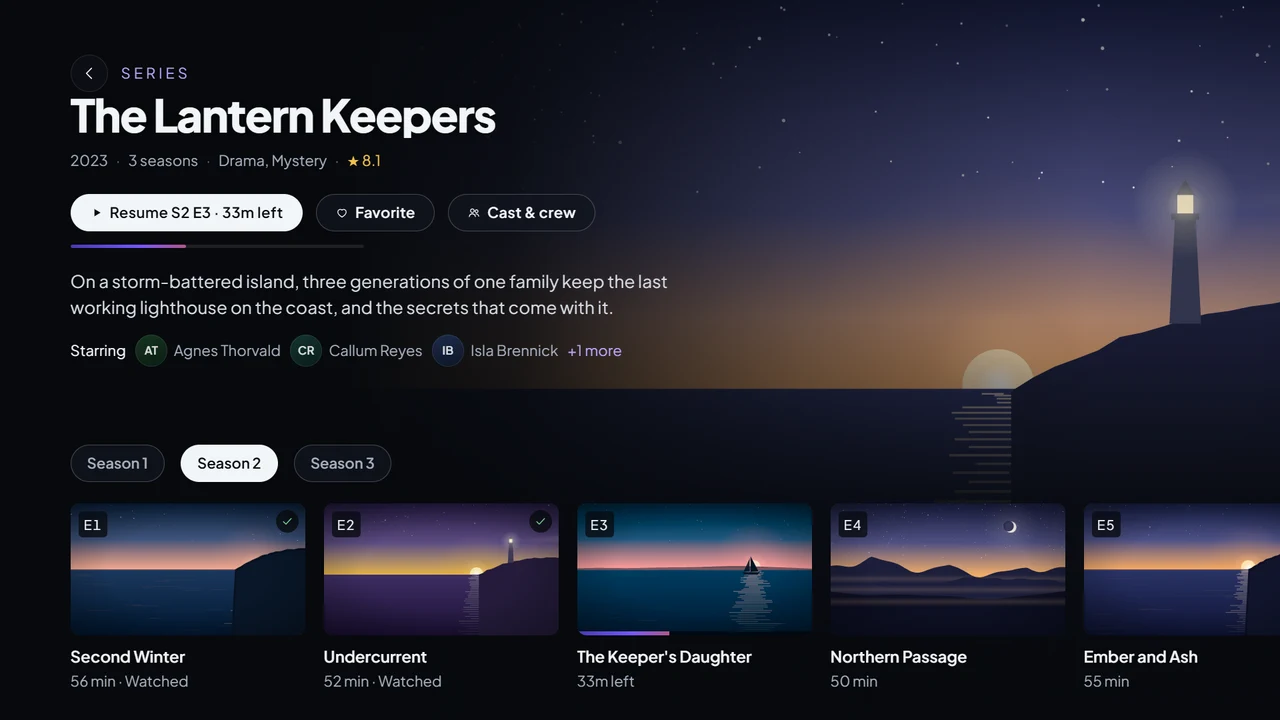
Seasons and episodes, each with its own still image and description.
-
Search
Search inside the category you’re browsing, or find a category by name. Recent searches are remembered.
-
Sort and view options
Sort channels by number or name, and films and series by name, date added or rating. Show films and series as a list or a poster grid.
-
Favorite channels
Hold OK on a channel to keep it in your favorites.
-
Movie pages
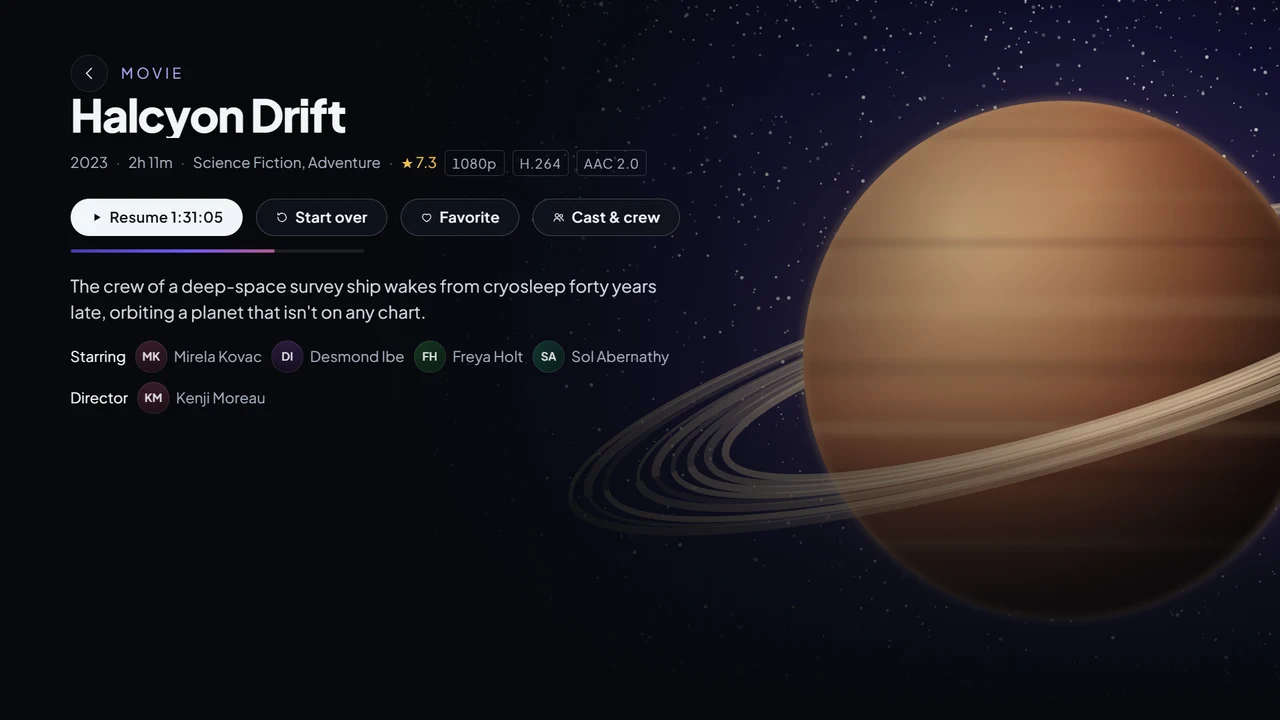
A detail page for each film with its description, cast and crew, and other versions your provider offers.
-
Now and next
See what’s on now and next while browsing Live TV, and type a channel number to jump to it.
-
Search everything
An “All” category that searches across your whole catalog.
Watch
A full-screen player with the controls you expect, in reach of the remote.
-
A cinematic player
Play and pause, skip 10 seconds back or forward, and scrub with a clear progress bar. Clear messages and a Retry button when a stream fails.
-
Subtitles
Choose from the subtitles in the stream or from your provider. Optionally search OpenSubtitles with your own API key. Pick a preferred language and size.
-
Audio tracks
When a title has more than one audio track, switch between them by language.
-
Channel surfing
Move to the previous or next channel in the same category without leaving the player.
-
Continue Watching
Pick up films and episodes where you left off, or start over.
-
Next episode
A card near the end of an episode offers the next one.
-
Smoother live TV
Improved live streaming for fewer interruptions on supported TVs.
Made for the TV
Designed for 1920 × 1080 TV screens and the LG remote, from the couch.
-
Remote and pointer
Every screen works with the arrow keys, OK and Back, and with the Magic Remote pointer.
-
Readable from the couch
Large type, a clear focus ring and a dark interface designed for 10-foot viewing.
-
English interface
The app’s menus and messages are in English. Titles and audio languages come from your provider.
-
A redesigned interface
A refined layout for every screen, accent color themes, and remote shortcuts for channels, subtitles and audio.
Private by design
No Nitora IPTV account, no ads and no tracking. Your login stays on your TV.
-
No account, no ads
There is no Nitora IPTV sign-up, no advertising and no analytics in the app.
-
Your login stays on your TV
Service details are stored only on your TV and sent only to the server you entered.
-
Parental PIN
Lock adult categories behind a PIN.
Not supported
So you know before you install. None of these are in Nitora IPTV today.
- Catch-up or replay of past programs
- A full program guide (EPG) grid
- Recording
- Importing a playlist file from USB or a computer
- Reading an EPG (XMLTV) address for M3U playlists
- Menus in languages other than English
- Casting from a phone